-
 Can be used at any time
-
Watching online video lessons
-
Taking topic-based tests
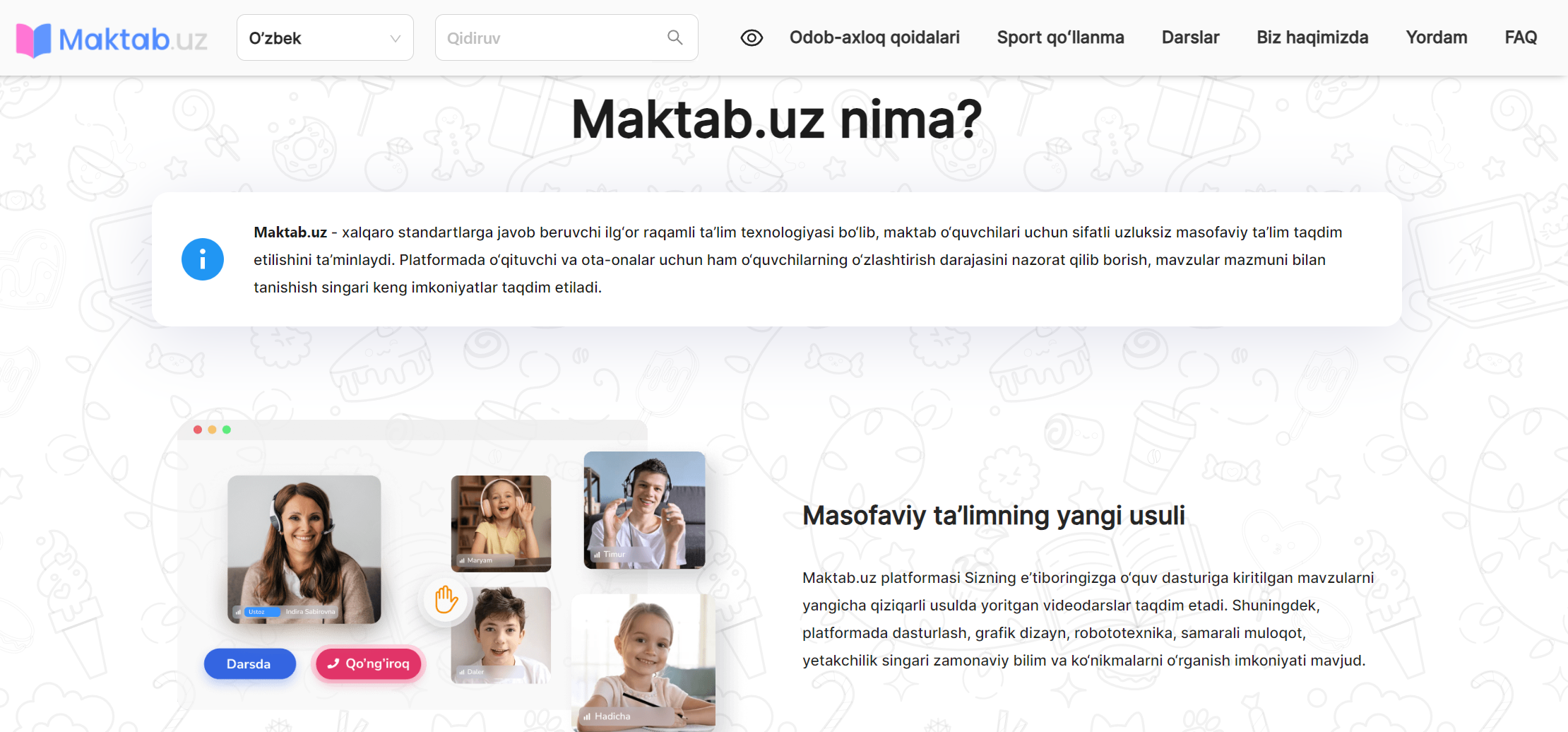
The “Maktab.uz” distance learning platform is intended for employees of organizations within the public education system, teachers, students and their parents.
Providing students with the opportunity to review school lessons that they missed for certain reasons or found difficult to understand;
Providing convenient learning opportunities for children studying at home due to quarantine restrictions introduced in connection with the pandemic;
Solving problems that may arise due to a temporary shortage of teachers in schools;
Remote participation in open lessons organized by fellow teachers.
Purpose and objectives of the platform
- Creating the possibility of in-depth study and review of educational material in secondary schools, step-by-step study of subjects, at the same time creating a database of video lessons in all subjects by grade;
- Wider coverage of topics that are difficult for students to master, supplementing textbooks with useful information, as well as timely, high-quality development of presentations so that parents understand the content of the topic, creating a platform for additional study of the topics;
- Possibility of remote participation of teachers in open lessons organized by their colleagues;
- Providing parents with the opportunity to track how their children are doing at school;
- Solving problems that may arise due to a temporary shortage of teachers in schools for various reasons
Registration on the platform
Secondary school students have direct access to the platform. Other users can also log in to the system using special logins and passwords created by the system administrator.
In order to use the services through mobile applications, you can download from these links:


-
 Watching video tutorials
-
Download thematic presentations
-
Receive homework notifications
-
Results control