

-
 Get reliable real-time information on flight status (check-in, boarding, departed, expected, arrived, delayed/cancelled).
-
A unified database covering all international airports of the Republic of Uzbekistan on a single platform.
-
Convenient planning of airport arrival time, reducing wait times for passengers and those meeting them.
-
Availability of an official mobile application for convenient access from smartphones.
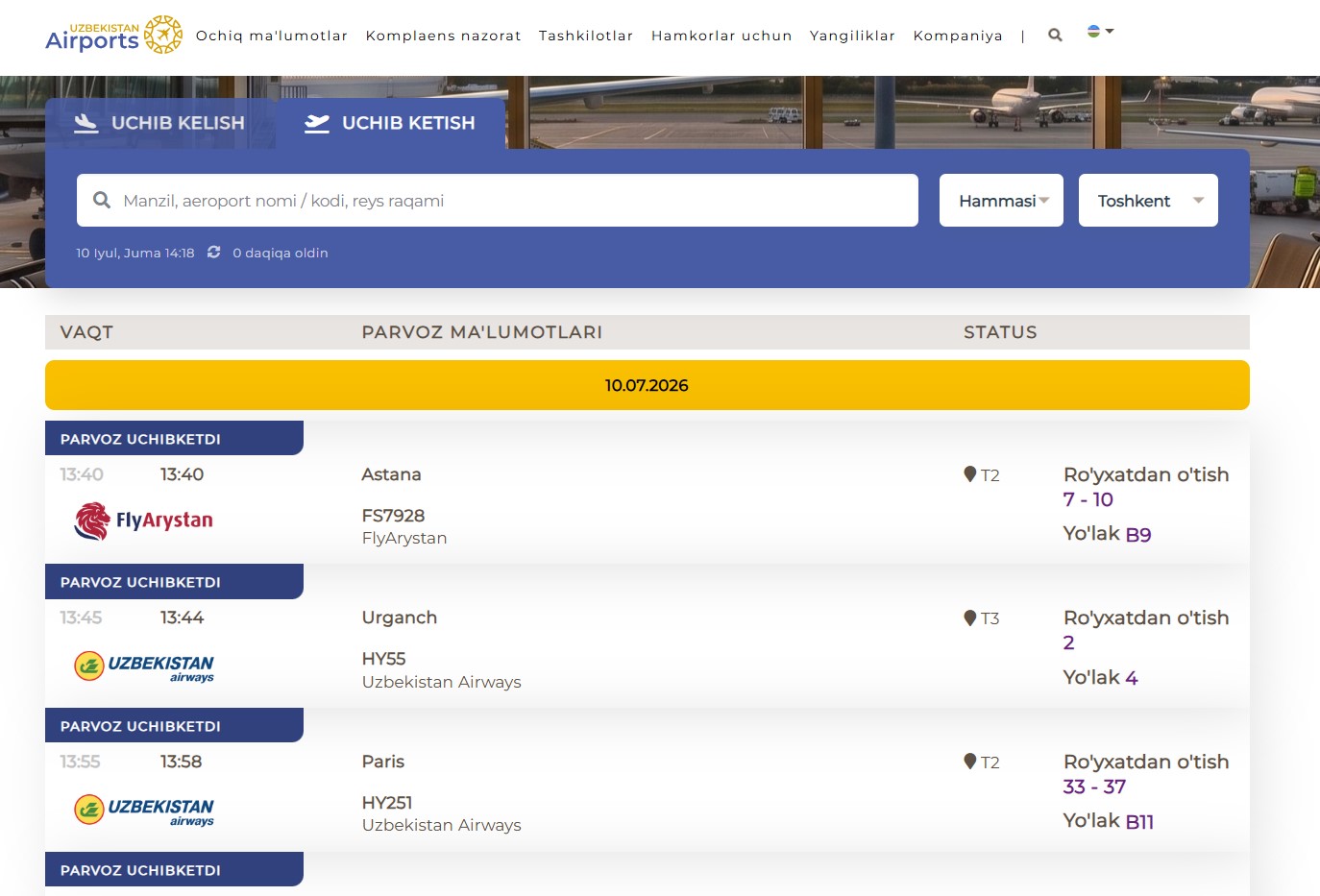
To find the current flight schedule on our website, you need to follow a few simple steps. On the homepage, select the city/airport you need from the list. Then switch to the "Departure" tab (if you are interested in outbound flights) or "Arrival" (for inbound flights). You will be presented with a full list of flights for the current date, sorted by time. For convenience, the system displays the flight number, airline, destination, scheduled and estimated time, as well as the current flight status.
How to Find the Required Flight: Use the search bar for quick filtering. You can find the flight you are interested in by entering its number (e.g., HY 301), airline name, or city of destination/departure. Make sure you have selected the correct date, as the scoreboard allows you to view the schedule for yesterday, today, and tomorrow.
Goal and tasks
The system provides passengers, as well as those meeting and seeing off travelers, with timely and reliable real-time information on the status of arriving and departing flights at all international airports across Uzbekistan.
By delivering up-to-date flight status information to the public, the system helps optimize passenger flow within airport terminals, significantly reduces the workload on airport information services and call centers, and enhances the overall user experience
In order to use the services through mobile applications, you can download from these links:


-
 View the current arrival and departure schedule for today, tomorrow, and yesterday
-
Monitor flight status in real time
-
Quick flight search by number, destination, or airline
-
Select any regional airport in Uzbekistan with a single click